Top
 

Data Migrations

Myself and one other designer were tasked with improving an internal, arduous, expensive, and manual process with cross-departmental dependencies.

From forming a close, collaborative relationship with stakeholders and internal user groups, we unearthed pain points that ended up directing the end solution.


Timeline: 10 Months, January-September 2019

Project Type: Optimizing Internal Process

Resources and Tools: Internal Design System, Miro, Balsamiq, Sketch, InVision

Primary Responsibilities: Facilitating interviews, personas, journey mapping sessions, usability tests, high-level solutioning

Shared Responsibilities: Gathering requirements, wireframing, high-fidelity design, interactive prototyping


Moving Lots of Data

In order to meet the specific needs of their customers, eMoney offers the larger advisory firms their own separate databases. This accommodates their scaling strategies and affords them a greater degree of customization.


The Problem

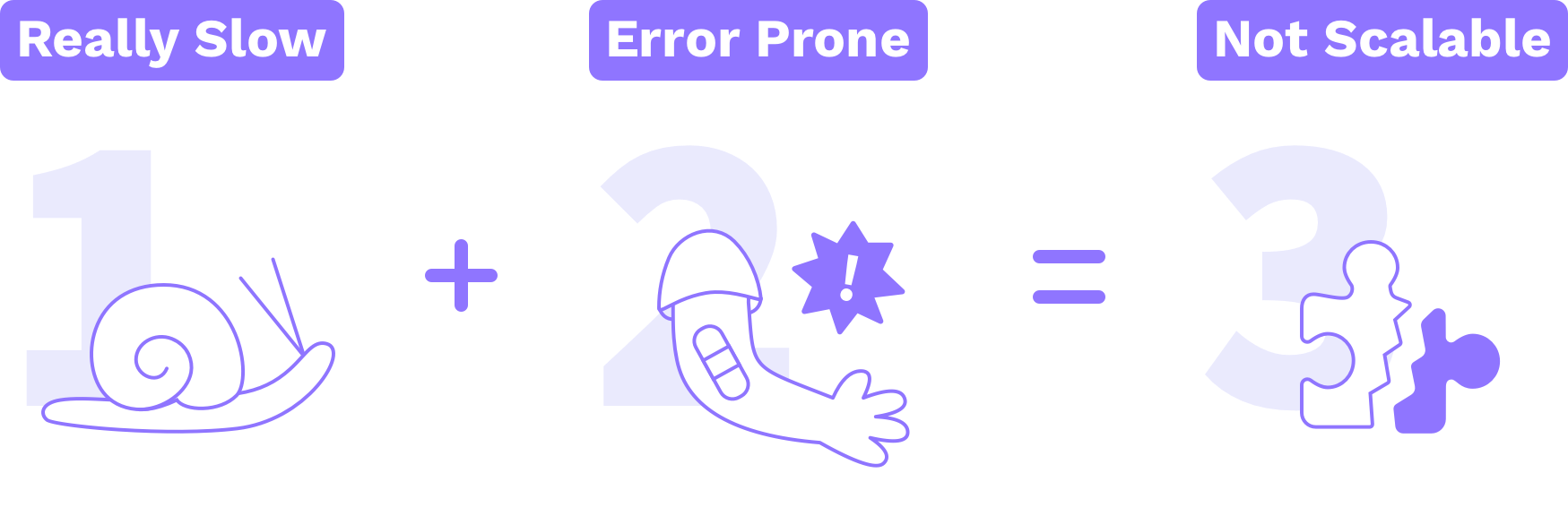
There are cases where user data needs to move from one customer’s “instance” of the app to another. This takes a lot of effort for eMoney, and the existing process isn’t scalable as both eMoney and eMoney’s customers grow.

 
problems.png


Diving into Complexity

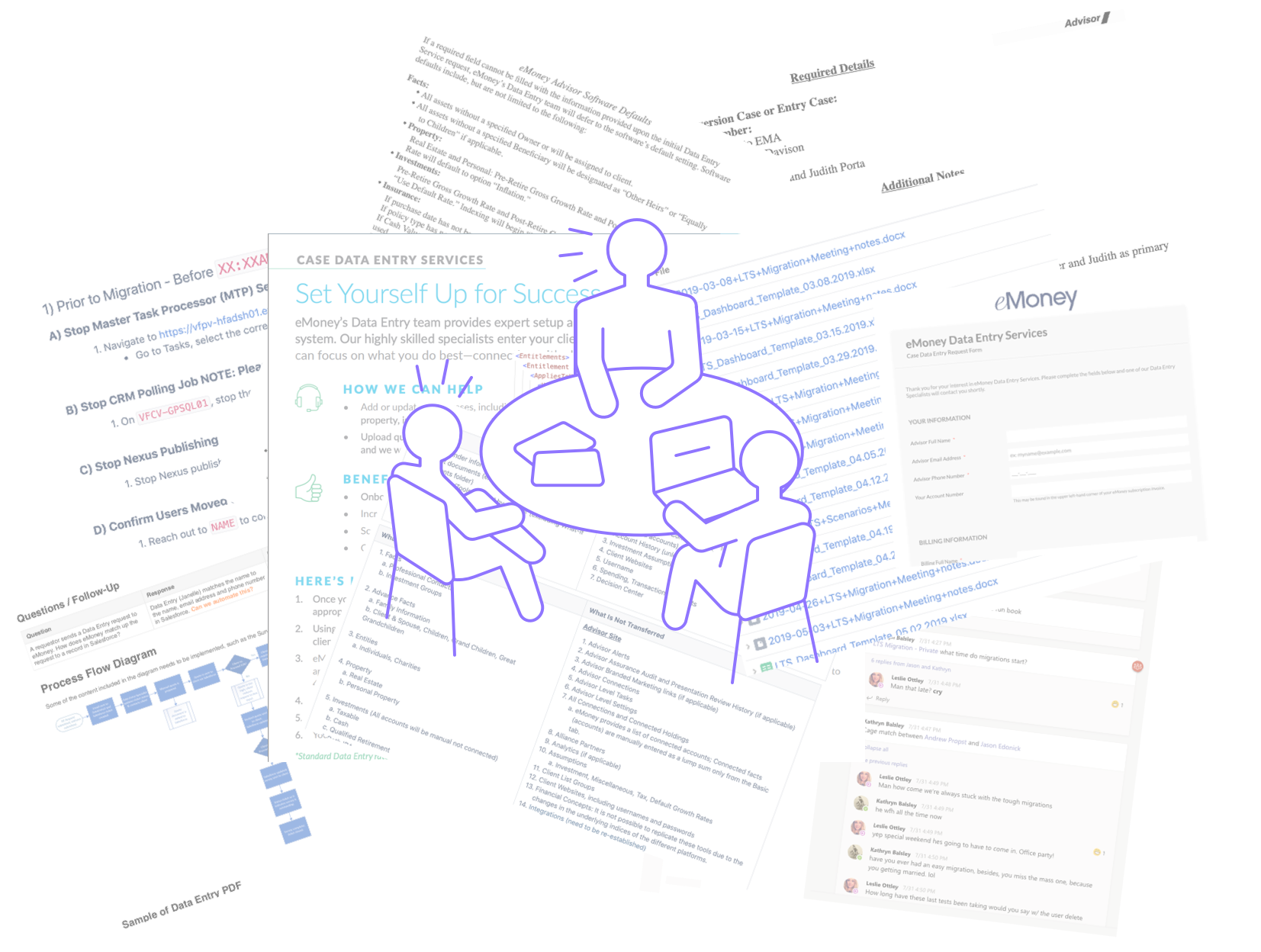
I started looking for existing documentation and found outlines of technical processes, back-end repos, schematics, group-chat conversations, and checklists. We then met with the authors of this documentation in order to learn more.

Interviews.png


Understanding the Use Cases

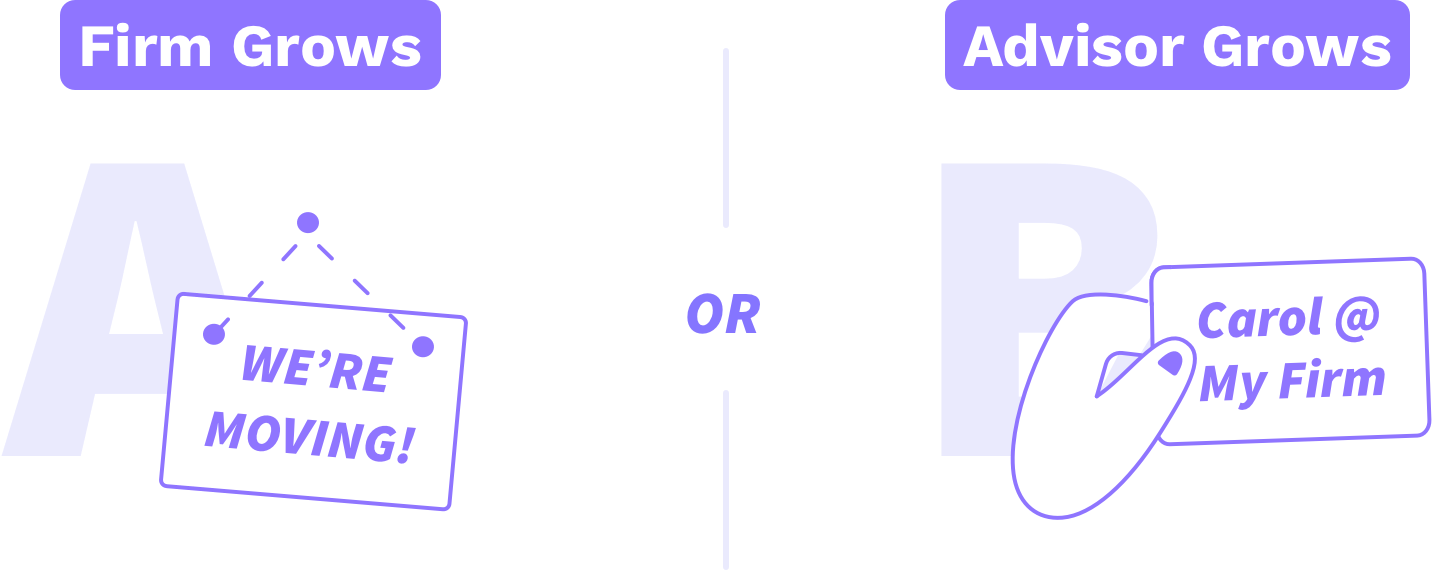
Through several service mapping sessions with various groups, I explored in detail what it means to move customer data. There are essentially two different reasons that eMoney offer migrations as a service to our customers:

 
usecases.png
 

A) Firm Grows

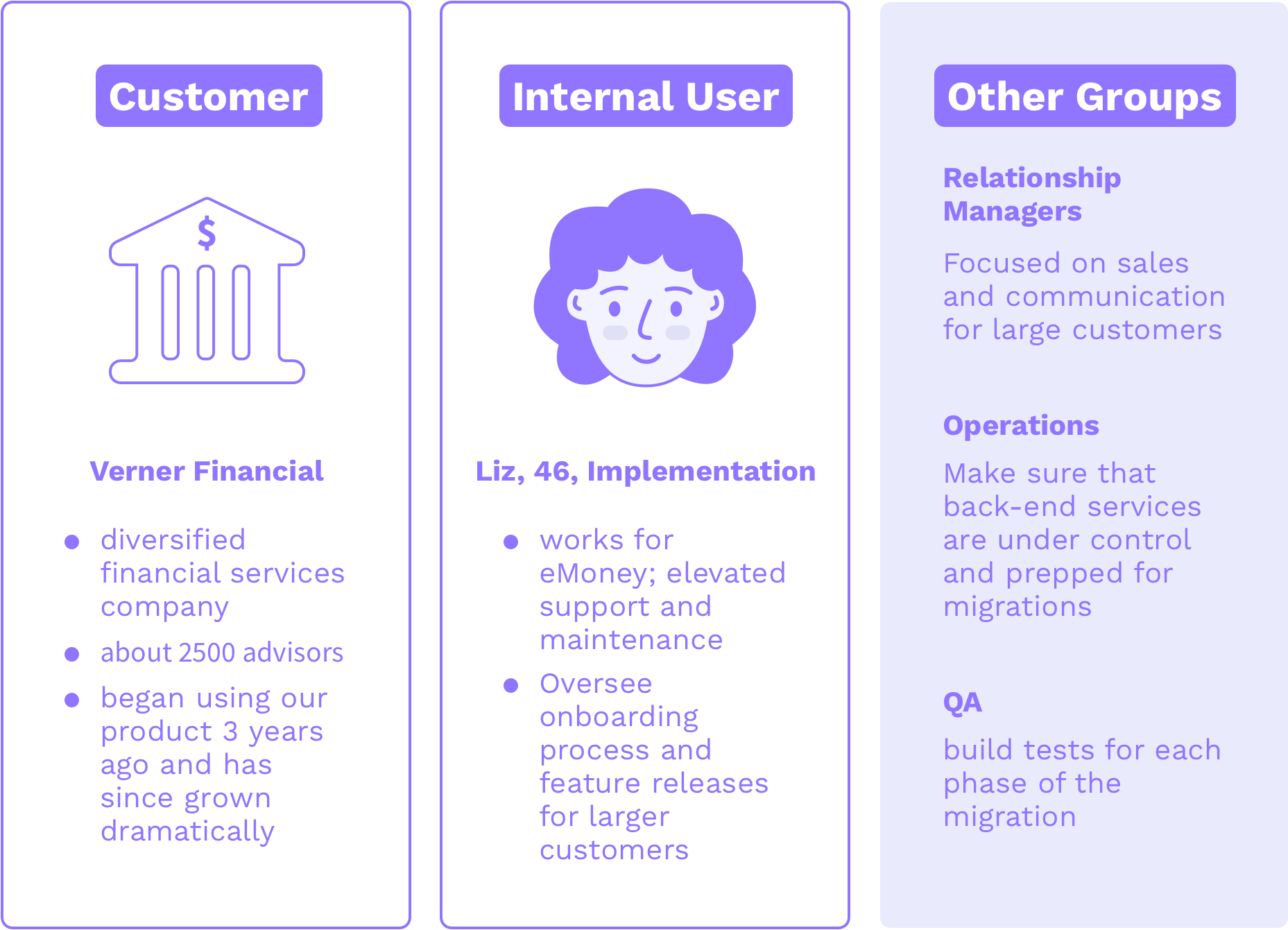
Some large firms buy our software and start with eMoney’s enterprise package, while some don’t. eMoney’s customers, who don’t have their own instance of the eMoney app, aren’t provided as much configuration. That said, firms reach a point where they outgrow their current subscription, and decide it’s time to “upgrade”.

Here are the VIPs when it comes to this use-case:

5 - personas (a).png

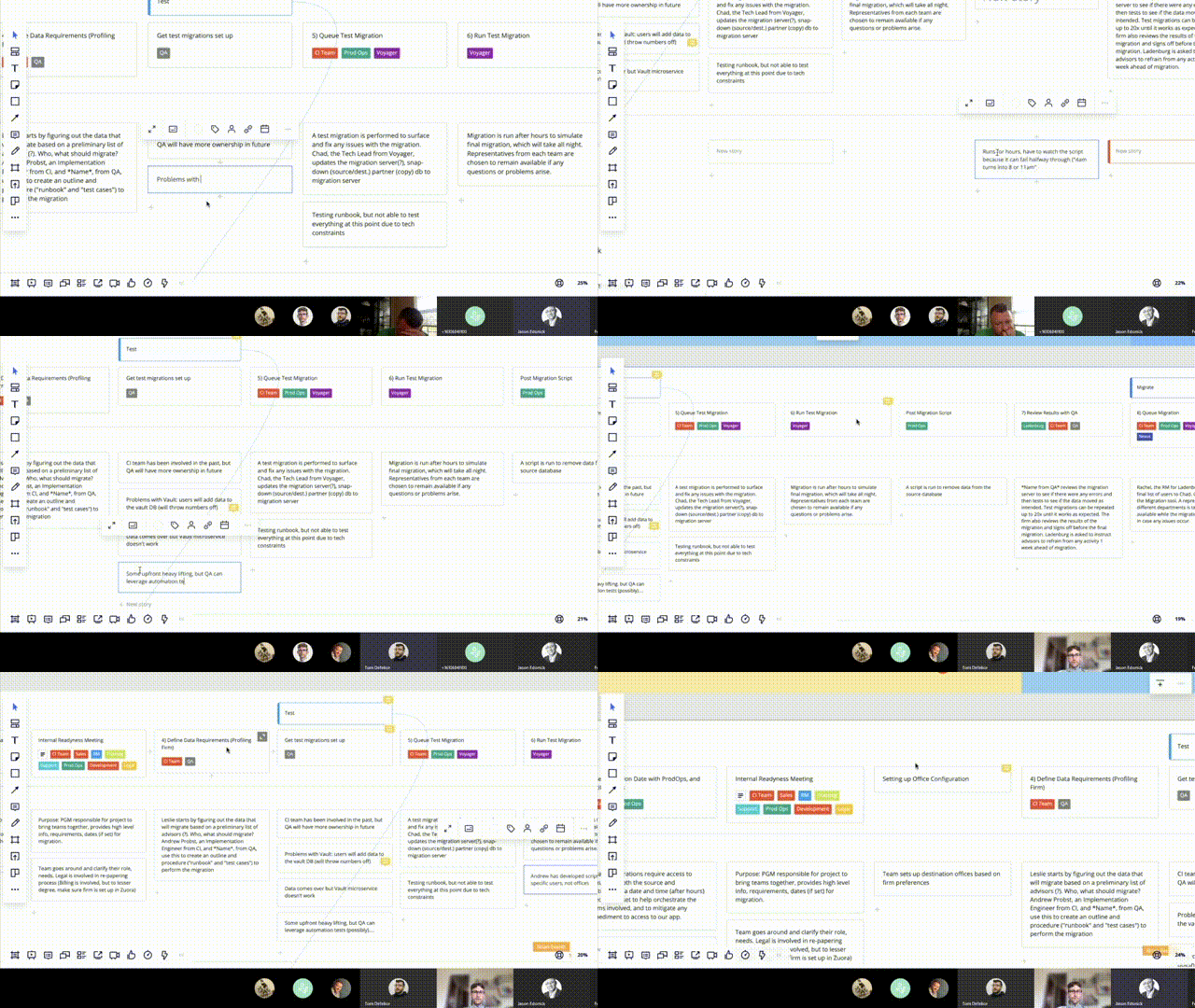
There are some important nuances to the process of migrating firms. I found that service blueprints offered a useful way of highlighting disparate and overlapping flows as we learned the role that different teams played in the process.

I used Miro to create an initial journey map with internal end-users who work remote part-time and full-time.

I used Miro to create an initial journey map with internal end-users who work remote part-time and full-time.


B) Advisor Grows

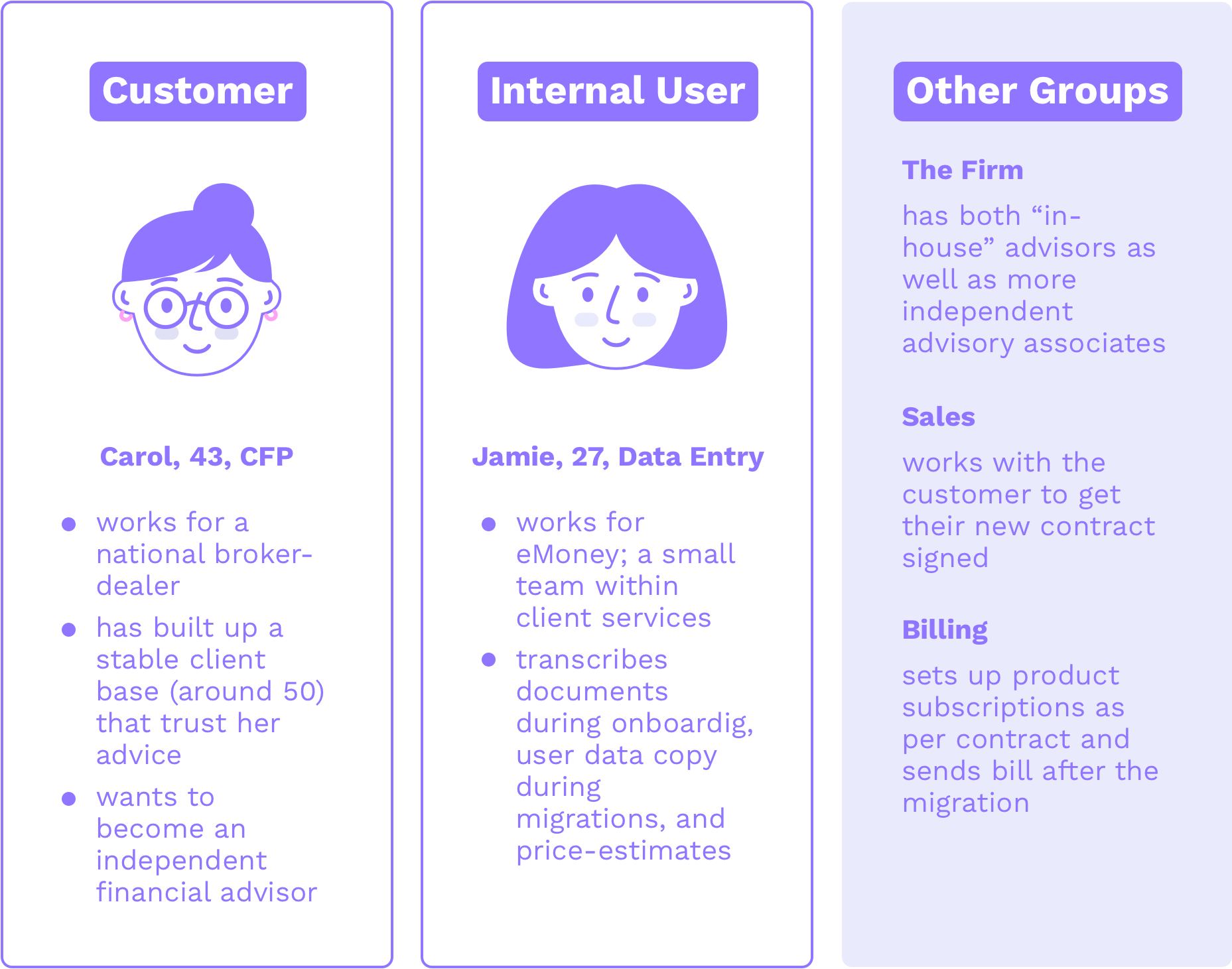
Younger advisors oftentimes start out in large, national firms that offer administrative support and other services. As advisors learn the industry, hone their craft, and build a client base, they reach a point where it becomes advantageous for them to go independent. If that advisor uses eMoney’s product and wants to continue using the product, they can request a data migration.

personas (b).png

The process arc for this growing advisor use-case bears resemblance to the firm use-case. However, the individual tasks, tools, and teams involved were different. It was important to map out this process as well in order to understand the differences.

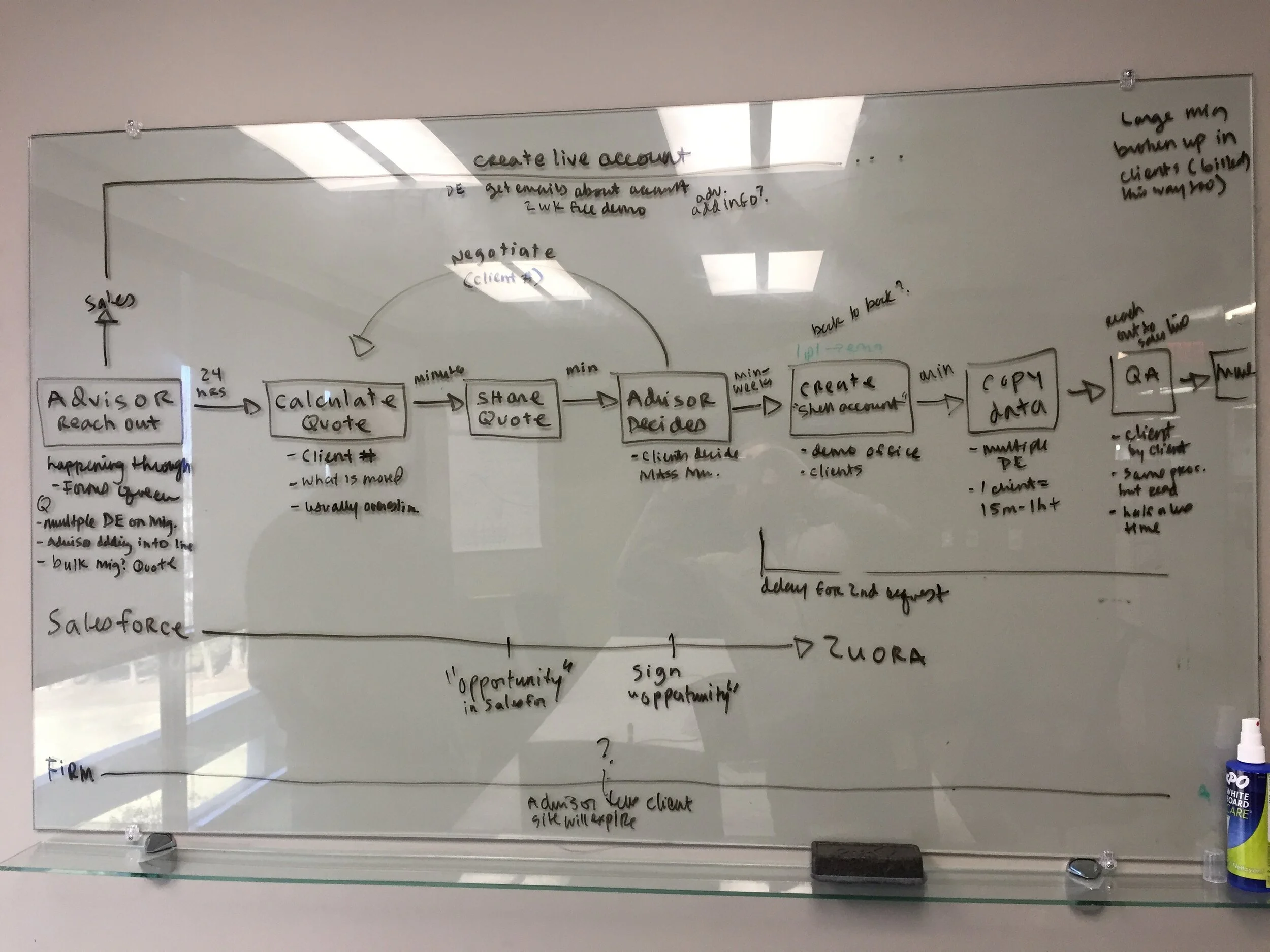
Here is an early version of the data entry team’s process flow we produced as a result of a short workshop with them. In this meeting we identified Salesforce as a central information hub, and that sales and billing were managing important parallel …

Here is an early version of the data entry team’s process flow we produced as a result of a short workshop with them. In this meeting we identified Salesforce as a central information hub, and that sales and billing were managing important parallel processes.


Discovery Through Mapping

Using service blueprints to map each internal workflow helped us discover opportunities, and helped communicate these ideas to different stakeholder groups. Here were some key insights about both migration scenarios:


A) Firm Grows

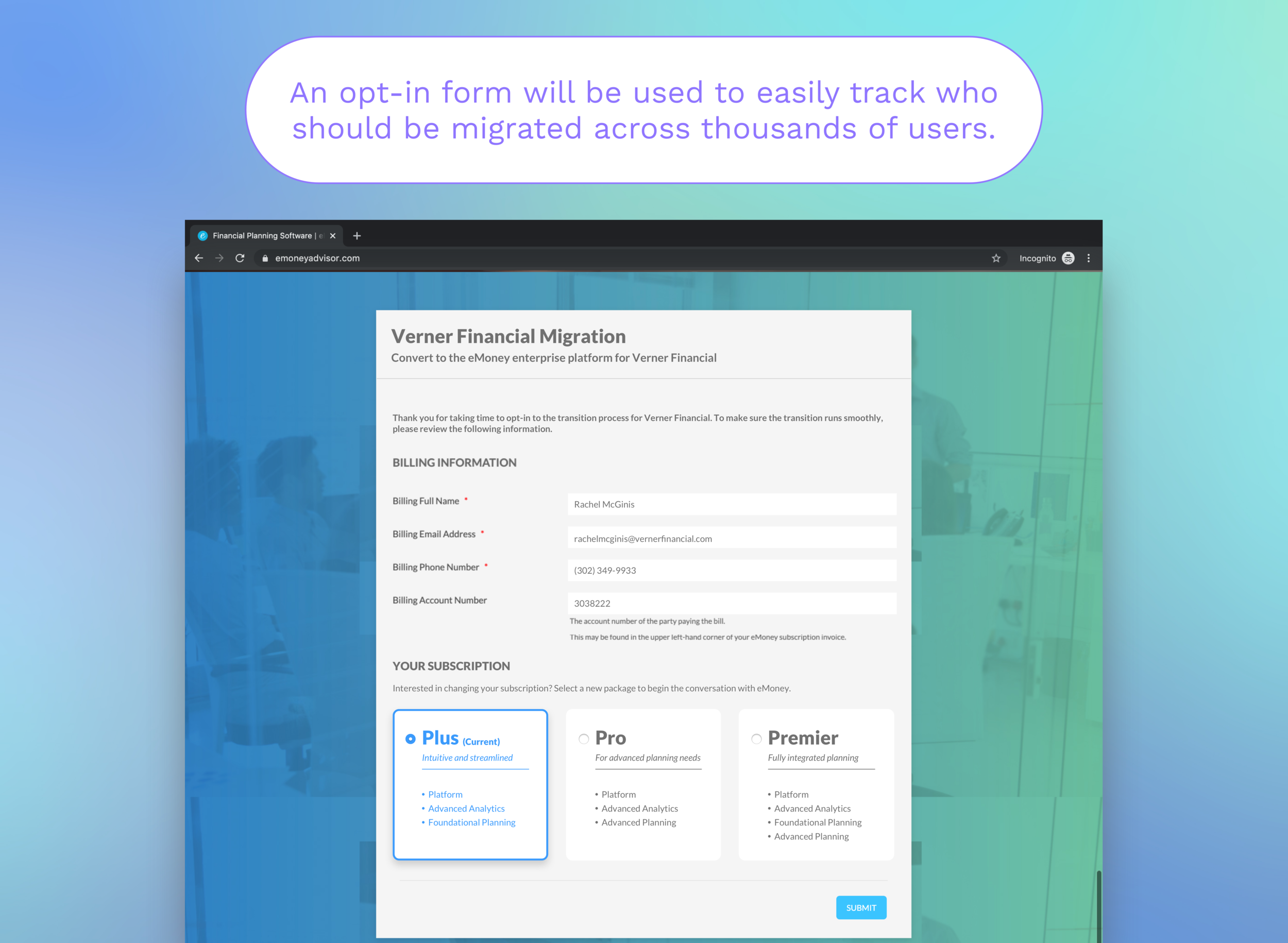
Email Opt-Ins: eMoney must get confirmation from individual advisors before they can be migrated. With help from marketing, Relationship Managers maintain a list of advisors who “opt in” through email correspondence. Considering that eMoney can be tasked to migrate thousands of advisors, could we capture this info and use it to set up the migration?

QA: There’s a lot of testing involved to ensure the right people appear with the right data and access in the new system. By improving the back-end, the tool could perform checks that simulate the current manual tests.

Real-Time Updates: The actual moving of the data (none of the prep and QA work) can take up to 14 hours, which means the process took place after hours. One end-goal will be to make migrations take less time, though the improved experience may still take hours. How could we limit the users need to stare at a screen for hours on end?


B) Advisor Grows

An Existing Back-End Solution: Using the existing office migration back-end process for this usecase will allow for the data entry team to move more data faster with comparatively minimal effort.

Salesforce: The information needed to set up the migration lives in Salesforce (request, quote, contract, etc.). Leveraging Salesforce could streamline and consolidate the process.

Price Estimates: Quotes are calculated with a separate tool based on the estimated time it takes to move data per client. Could the new solution calculate price estimates, thereby eliminating the need to use a separate tool?


Exploring a New Digital Workflow

It became clear that automating the process would inevitably change the workflow. This reinforced a need for the digital workflow to be familiar and transparent to the user; a process that users would trust doing parts of their job.


Translating Manual to Digital

I began mapping out steps in phases. “Set Up”, “Configuring the Data”, and “Review” were the phases I focused on fleshing out (we would end up removing most of the configuration phase based on user feedback).

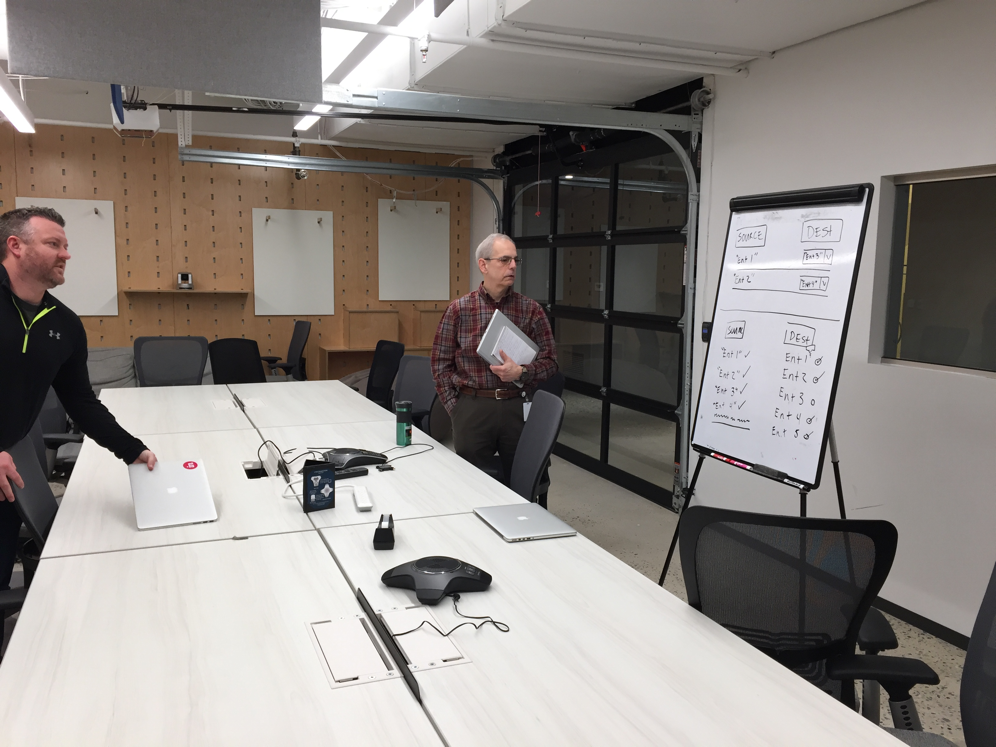
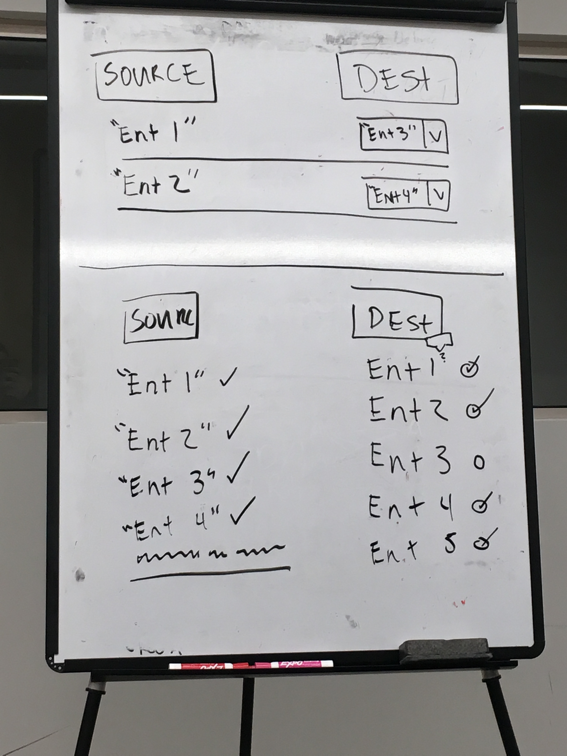
It took a couple of us to really wrap our head around mapping entitlements. Determining what entitlements should be mapped and how was subjective, or at least that’s what we were told…

It took a couple of us to really wrap our head around mapping entitlements. Determining what entitlements should be mapped and how was subjective, or at least that’s what we were told…


MicrosoftTeams-image (3).png


Although the two workflows shared the same phases, the details were pretty different. We deliberated combining or keeping the flows separated. But we ended up rectifying the differences and went with a unified flow.


Workflow - Original.png
workflow-feedback.png
 

Eliminate Manual Steps by Leveraging User Opt-Ins

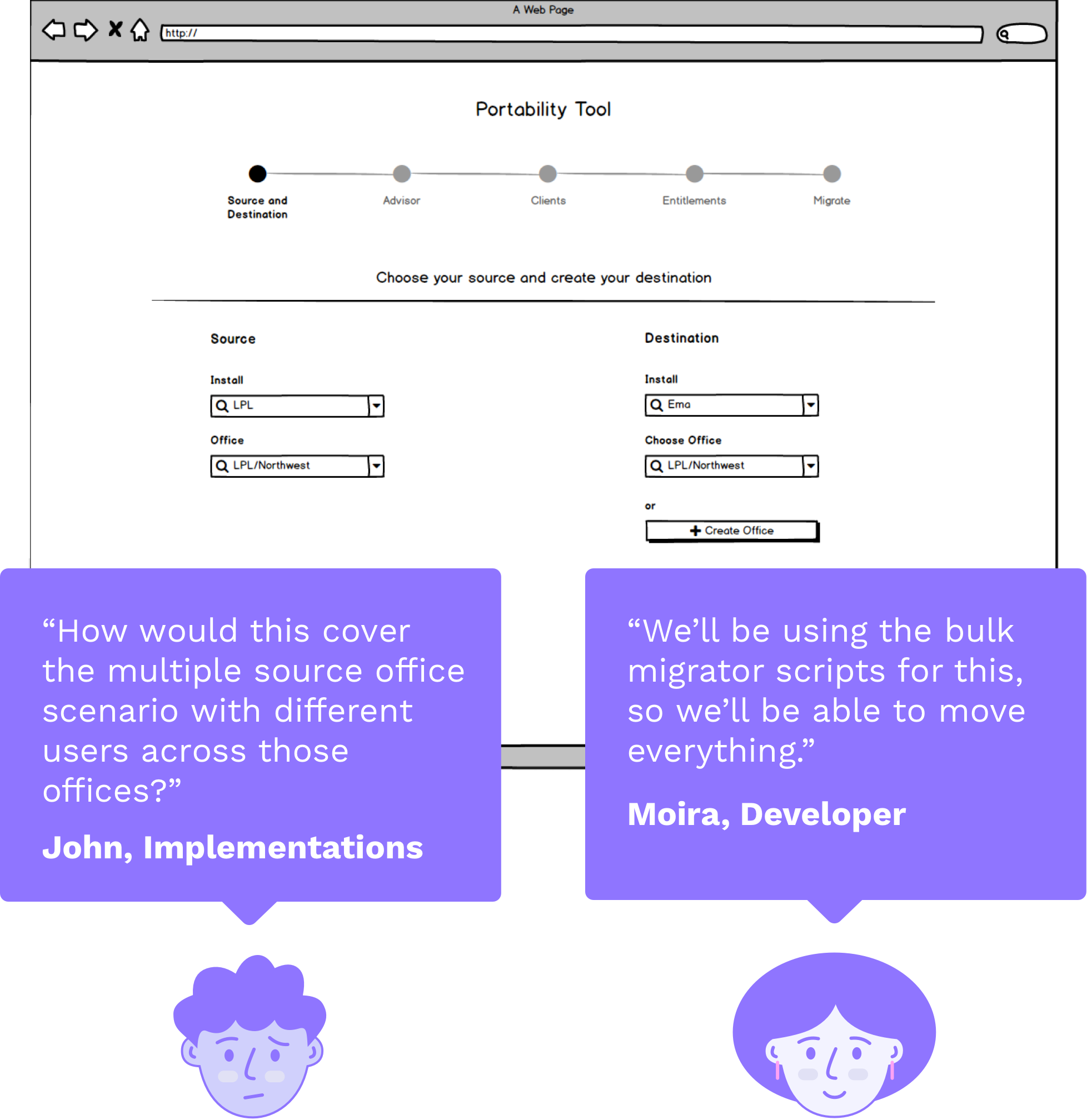
In early versions of the tool, I had an option to upload a list of users to better accommodate a scenario where a firm, who is migration potentially thousands of advisors, needs to migrate in stages. This step came after the user would select the firm and their system destination. But based on feedback, we realized that this order was confusing users, and also that uploading a list would eliminate these initial steps anyway. So I made “upload a template” an option as the first step.

For a post-MVP design, I explored ways to leverage the opt-in emails relationship managers (customer support) receive from advisors to streamline these initial steps.

Workflow - New - A.png
 

Removing an Unnecessary Configuration Step

For the current manual process, there is data that the data entry team can’t move. There is also data that they can move, but only on a by-request basis. I initially designed a step to help users of the digital tool to choose the data they wanted to migrate. But I learned that this wouldn’t be necessary. The new tool would be leveraging scripts that would effectively move all available user data, so I removed this step from the workflow.

Workflow - New - B.png


Exploring + Testing Features

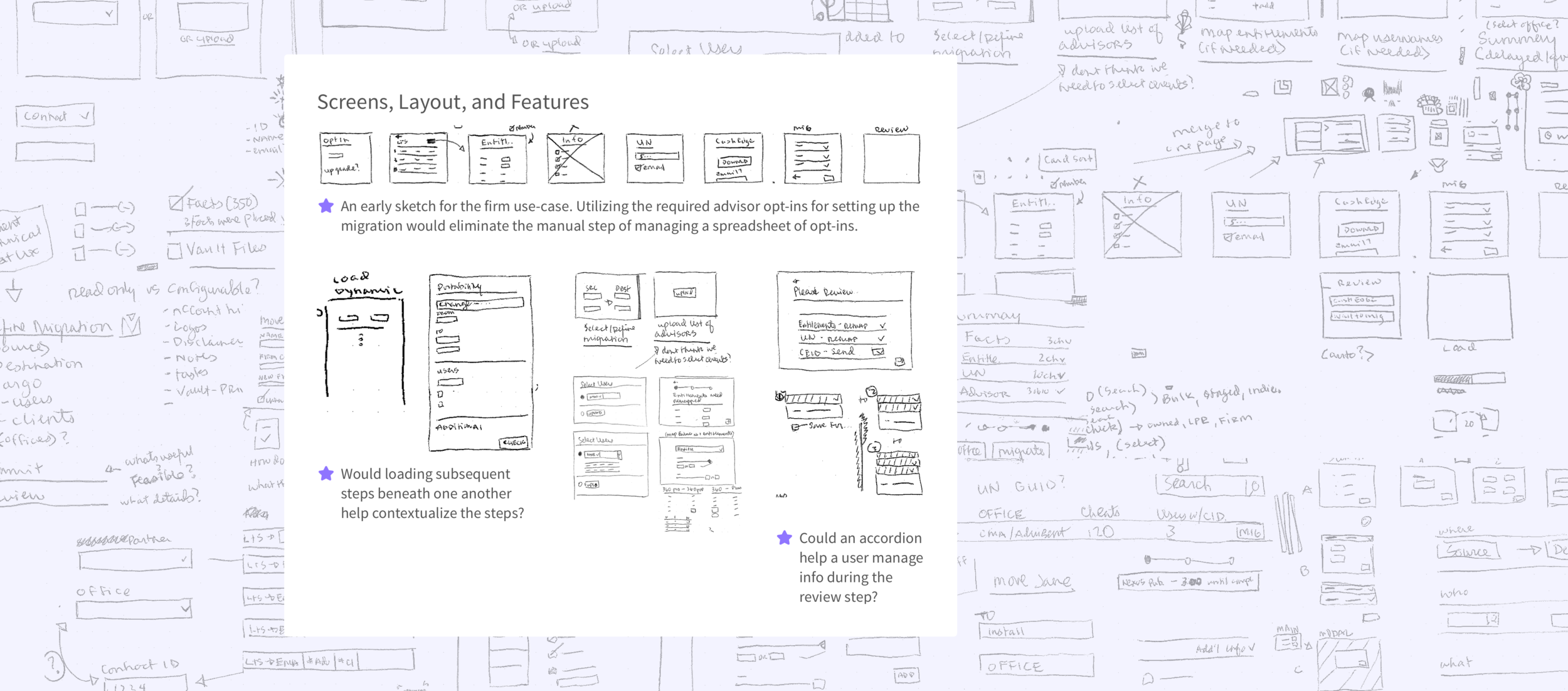
After ironing out the overall workflow for the digital tool, we explored ways to improve each step and the features of those steps.


Graphic - Sketches - 2.png


Review Page Summary

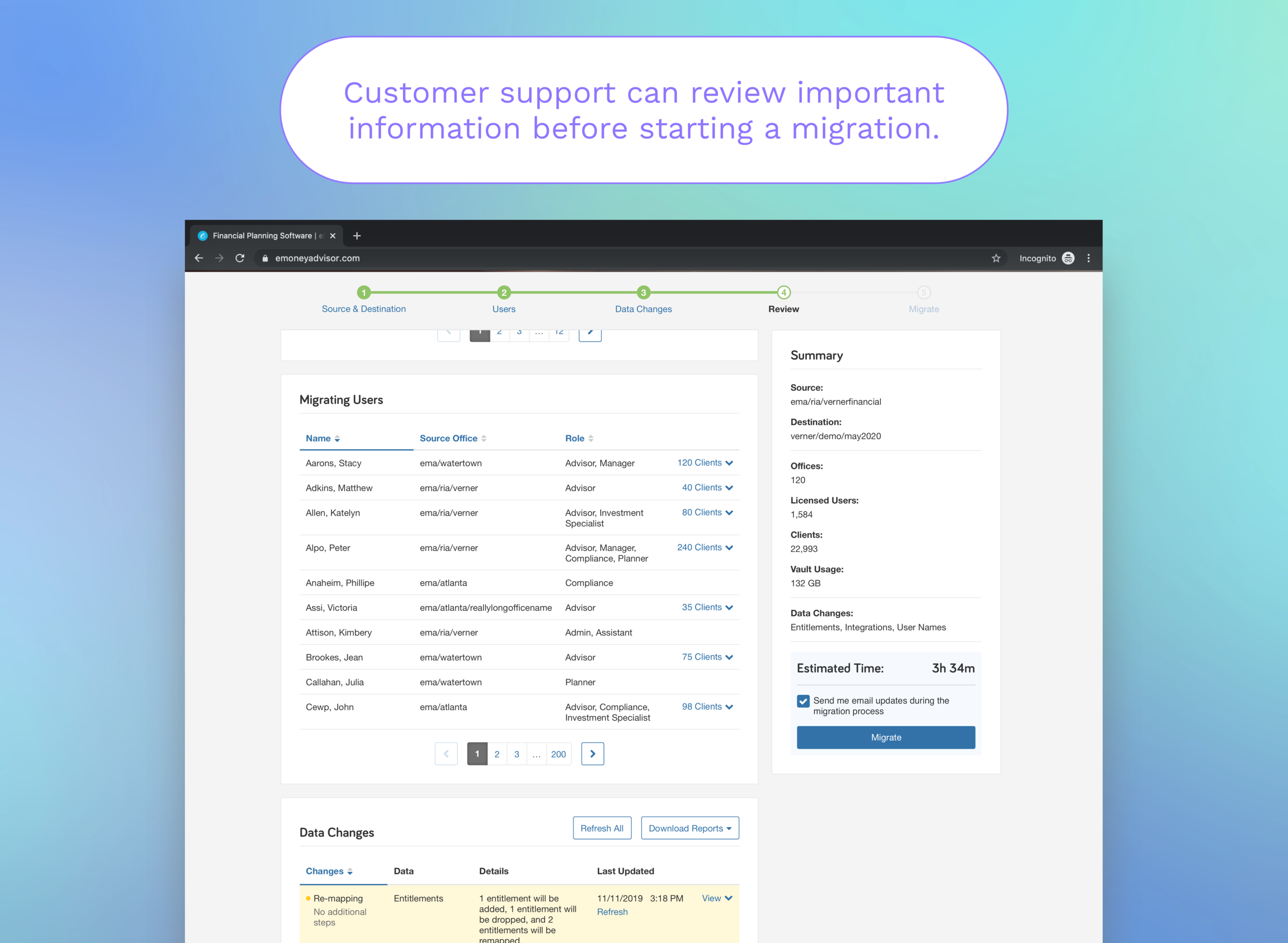
In ways, I started exploring the Review Page and worked our way backward. I understood that the review step could be a crucial moment in the process for making the user feel confident before they performed an important, far-reaching action. Designs for this page focused on grouping and ordering the important bits of info for users to look at.

feedback - metrics.png

Wizard Format

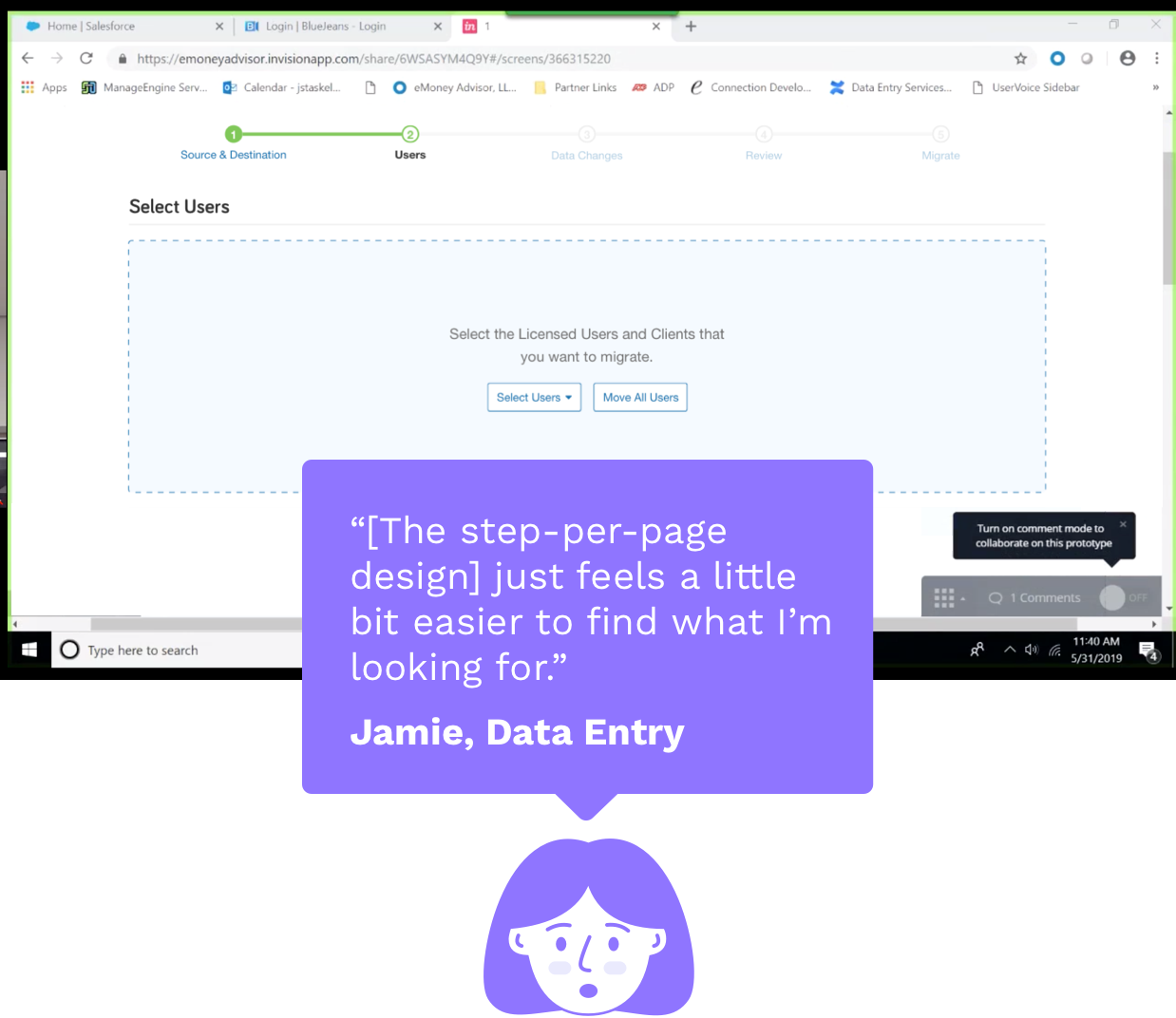
The format of the design itself was a brief point of exploration. What if the users “built” the review page, each step adding a section or tile to the page, working top to bottom? I tested two prototypes with prospective users: a traditional, step-per-page design, and a design that builds the page review top-down. Their feedback indicated that the step-per-page design would be the more familiar and usable option.

Top-Down vs Step-per-Page

feedback-workflow.png

Highlighting Configuration Differences

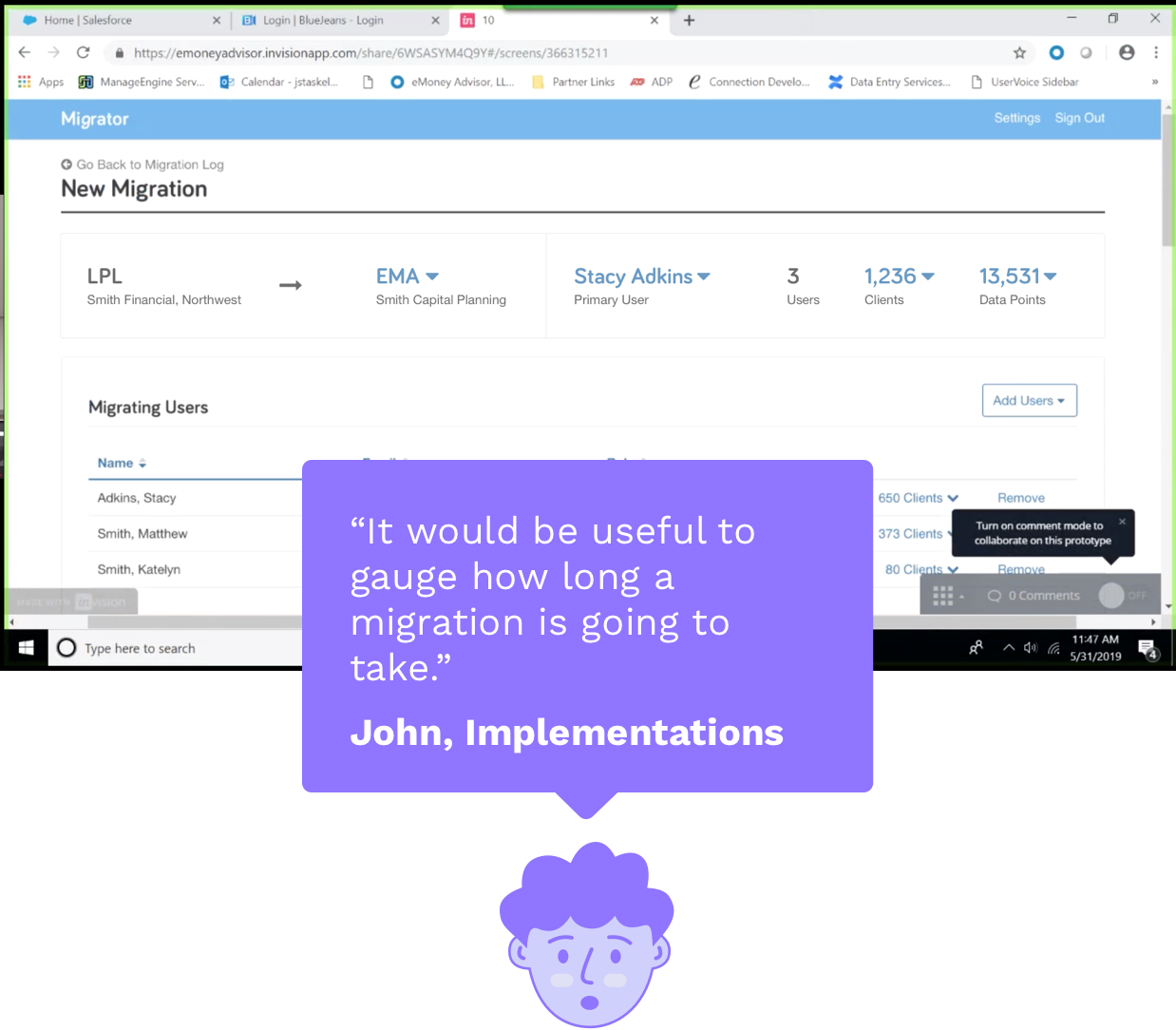
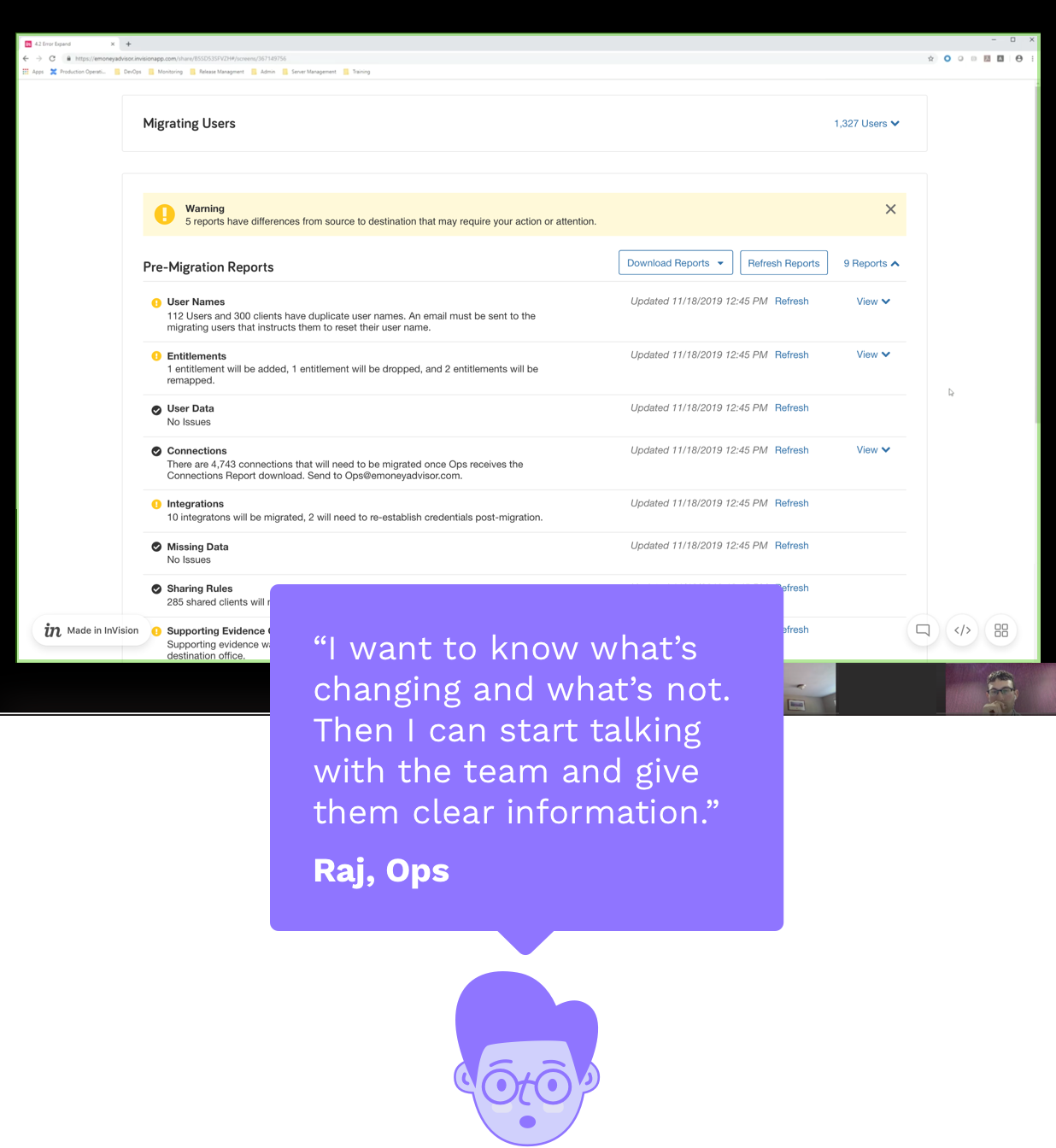
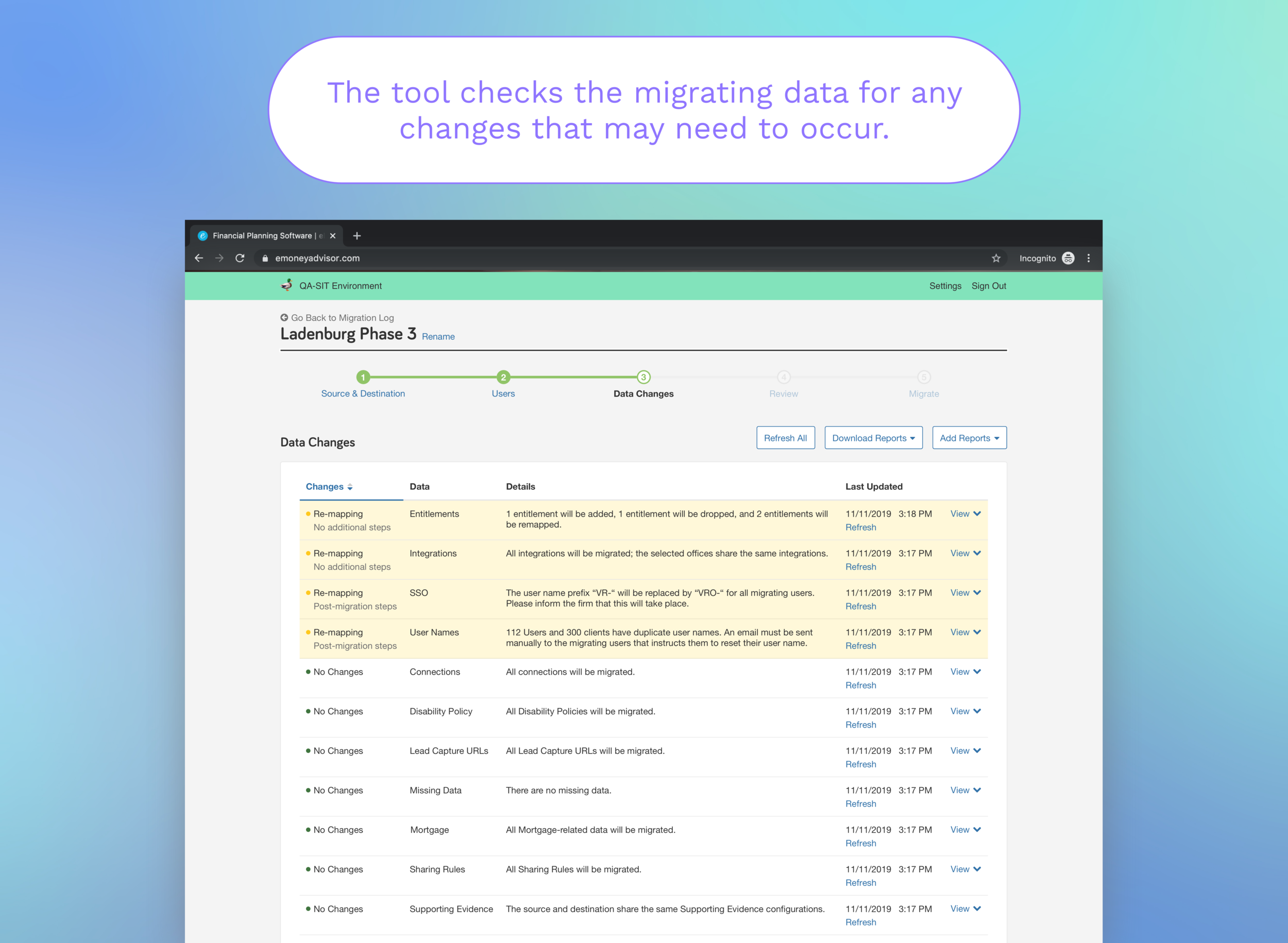
One reason why migrations take so long is due to the disparity between the source and destination systems. Manual effort to assure parity and to resolve these issues is a real pain point.

I explored ways to resolve these issues programmatically, and to present the differences to the user. Communicating to the user this automation, but also that some differences would require user action were main points of exploration.

feedback-changes.png


Final Design

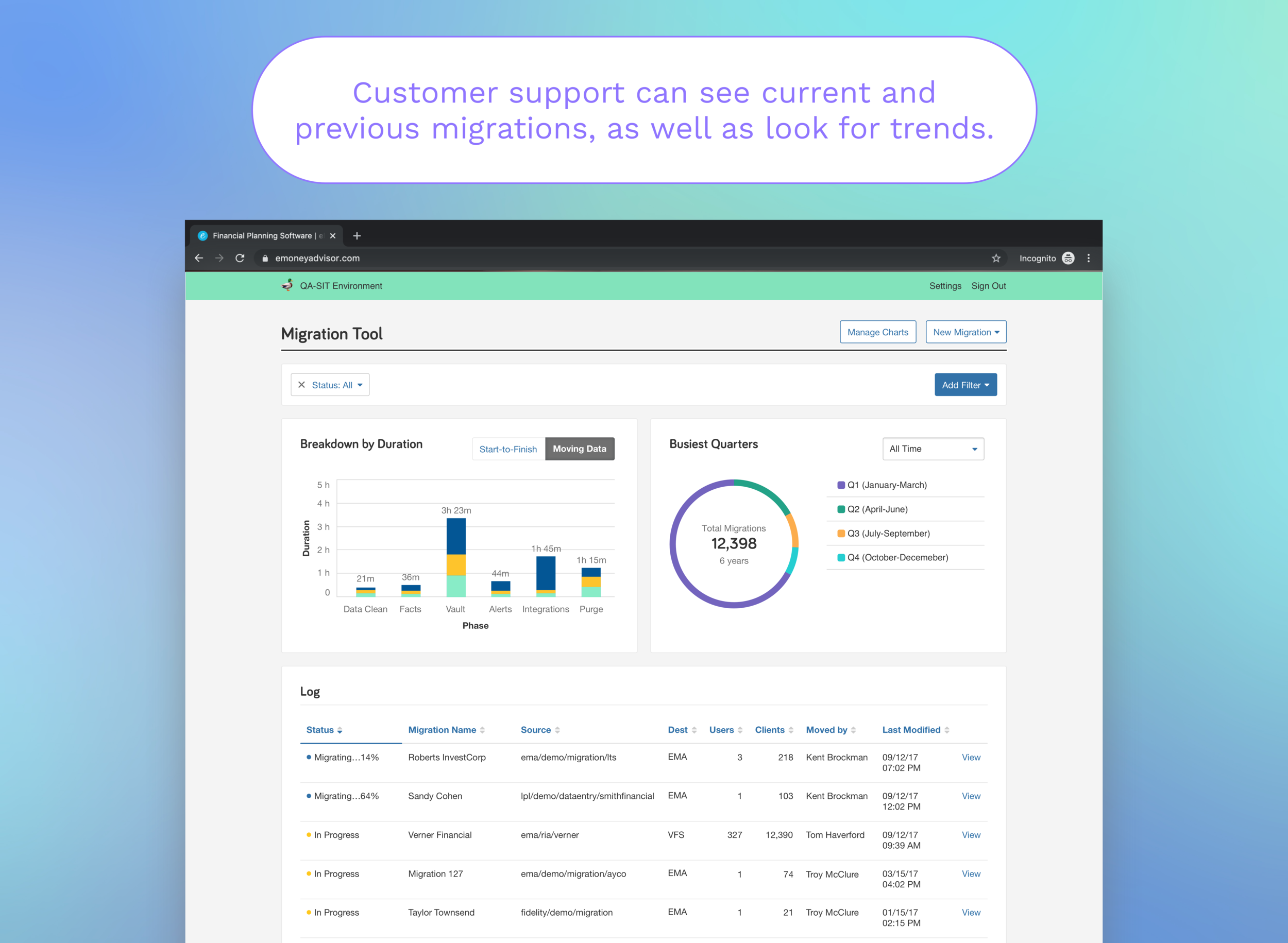
The design that we implemented effectively reduced the time spent performing a migration to 10min-7hrs (depending on the amount of data being migrated). This reduced the overall process time by ~25%, saving the organization ~$49k per year.


Next Case Study:

eMoney UI Gallery →